
Menu
Marine
FREE UK delivery when you spend £50 - see more delivery options.
Home / GPS / Dash Cams / BlackVue Dash Cams / BlackVue Accessories
Product Code: BG1EU

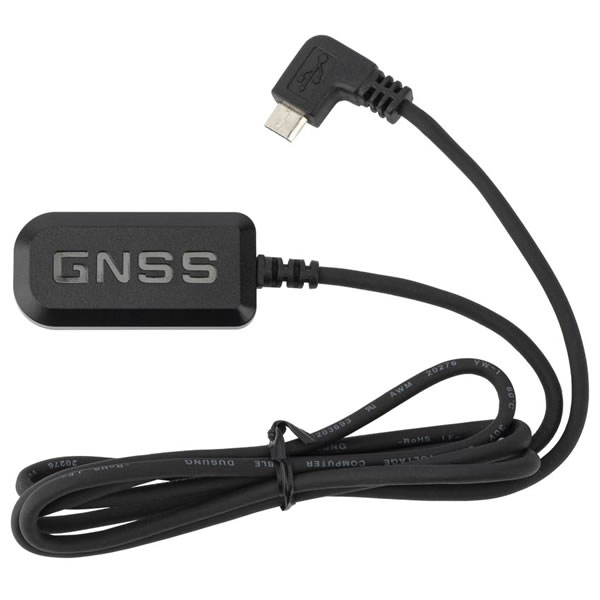
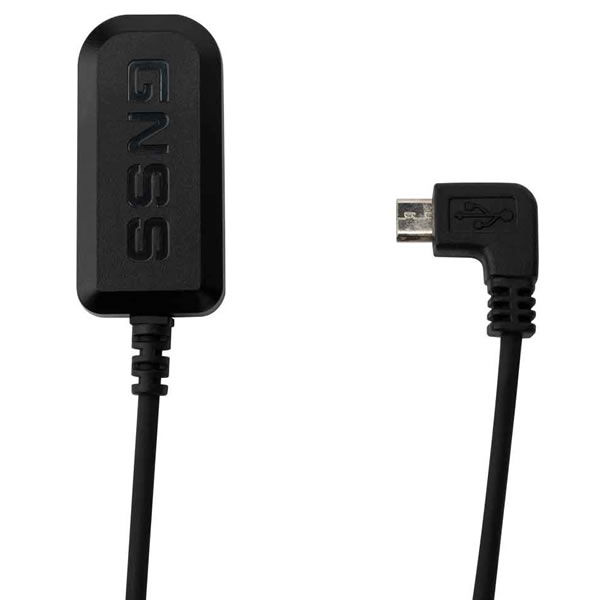
Add this external GPS receiver to your BlackVue DR590X 1CH or BlackVue DR590X 2CH dashcam to view speed and map location data on your videos.
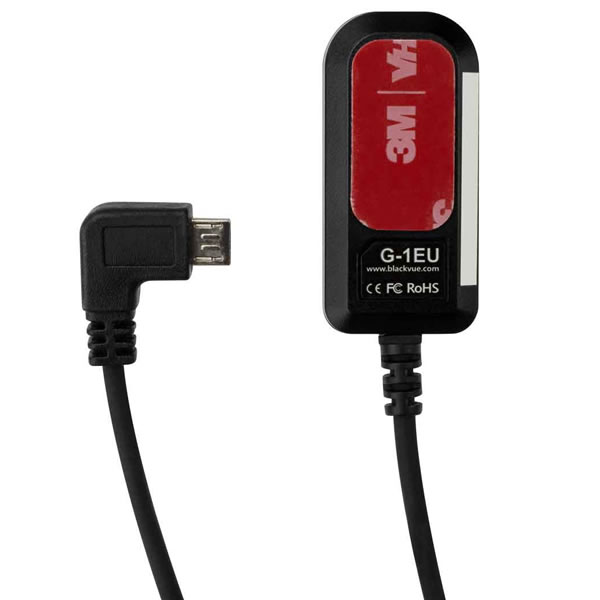
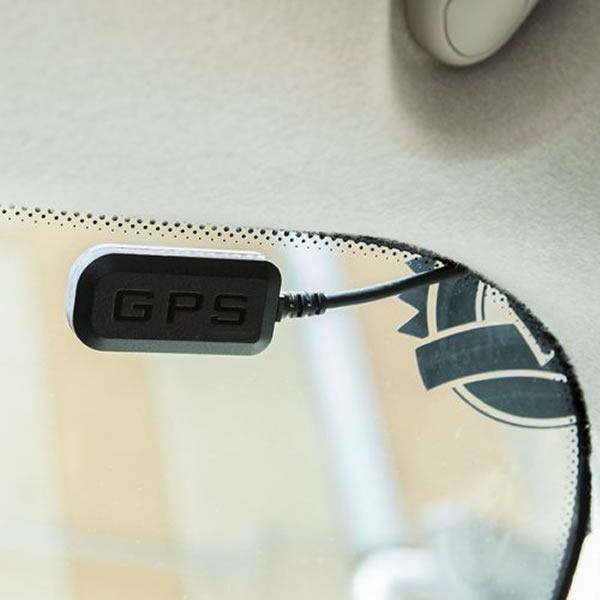
The external GPS antenna plugs directly into the BlackVue DR590X dash cam via microUSB cable connection. A 3M adhesive pad enables you to affix the BlackVue GPS antenna in place in your vehicle. The GPS receiver cable length is 1 metre so you can locate the GPS antenna in a suitable position to receive the GPS signals from the satellites in the sky above.
BlackVue part number: G-1EU
Compatibility: Compatible with BlackVue DR590X-1CH and BlackVue DR590X-2CH.
IMPORTANT: The external GPS antenna available on this page is ONLY compatible with the BlackVue DR590X 1CH and 2CH dash cams listed above. If you own a BlackVue DR590 non X model, e.g. BlackVue DR590 or BlackVue DR590W the compatible GPS antenna to buy is the BlackVue DR590, DR590W External GPS Antenna.

BlackVue DR590X External GPS Receiver - £39.99
 Deliveries
We offer UK, Europe and Worldwide deliveries. We despatch orders at 4:30pm on Monday, Tuesday, Wednesday, Thursday and Friday. We need to receive your order on those days by 3:00pm. When possible we may despatch orders received after that time. No orders are despatched on Saturday, Sunday or Bank Holidays in England and Wales.
We offer FREE UK delivery on all orders of £50.00 or more, plus next working day and guaranteed Saturday delivery options. Click here for further info. All options also appear at the basket pages.
As standard the BlackVue DR590X 1CH and 2CH dash cams don't include a built-in GPS antenna. By purchasing and adding the external GPS receiver to your BlackVue DR590X dashcam you can view speed and location data on your videos.
Speed data: speed in either Mph or Km/h - will be overlaid in your playback videos. Please note: this feature can be turned off in the DR590X dashcam's settings.
Location data: you can view the location of your vehicle in the BlackVue Viewer's Map during video playback.
The external GPS antenna plugs directly into the BlackVue DR590X dash cam via microUSB cable connection. A 3M adhesive pad enables you to affix the BlackVue GPS antenna in place in your vehicle. The GPS receiver cable length is 1 metre so you can locate the GPS antenna in a suitable position to receive the GPS signals and required satellites.
IMPORTANT: The external GPS antenna available on this page is ONLY compatible with the BlackVue DR590X 1CH and 2CH dash cams listed above. If you own a BlackVue DR590 non X model, e.g. BlackVue DR590 or BlackVue DR590W the compatible GPS antenna to buy is the BlackVue DR590, DR590W External GPS Antenna.
Please ensure you have added the correct dash cam external GPS antenna for your BlackVue model to the basket prior to purchase.
‣Add GPS capabilities to your BlackVue DR590X
‣View speed and map location data during video playback
‣GPS antenna attaches to your vehicle using 3M adhesive pad
‣1 metre (3.28 foot) GPS antenna cable
‣Connection via microUSB
‣Genuine BlackVue Accessory
‣BlackVue G-1EU External GPS Antenna
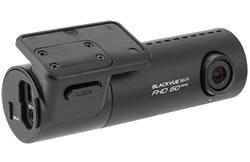 What is the BlackVue G-1EU External GPS Antenna compatible with?
The genuine BlackVue G-1EU External GPS Antenna is compatible with the following BlackVue dash cam DR590X models:
BlackVueDR590X-1CH, DR590X-2CH.
IMPORTANT: The external GPS antenna available on this page is ONLY compatible with the BlackVue DR590X 1CH and 2CH dash cams listed above. If you own a BlackVue DR590 non X model, e.g. BlackVue DR590 or BlackVue DR590W the compatible GPS antenna to buy is the BlackVue DR590, DR590W External GPS Antenna.
Please ensure you have added the correct dash cam vehicle power cable for your BlackVue model to the basket prior to purchase.
‣G-1E External GNSS - (GPS: 1575.42MHz / GLONASS: 1595MHz~1608MHz)
‣Connector Type: MicroUSB
‣Cable Length: 1metre / 3.28foot
‣Weight: 27.7g
This is a sophisticated electronic device. It is important to read, understand, and follow the instructions provided in the user manual (usually available via the 'manual' link above). To ensure optimal performance, you will need internet access and should regularly download and install firmware and software updates as recommended by the manufacturer. Like all GPS devices, it requires a clear view of the sky to connect with satellites, so be aware that certain vehicle glass or enclosures may block or reduce GPS signal reception.
Updates for this device are delivered via the internet. This page provides information on compatibility with current devices such as PCs, laptops, Macs, and smartphones. Under the Consumer Contract Regulations, you have 14 days from receipt of purchase to verify compatibility with your internet-connected device. Please note that if you later replace or upgrade your PC, Mac, or smartphone, neither ActiveGPS nor the manufacturer can guarantee compatibility with the new operating system.
Page updated: 23rd July 2026